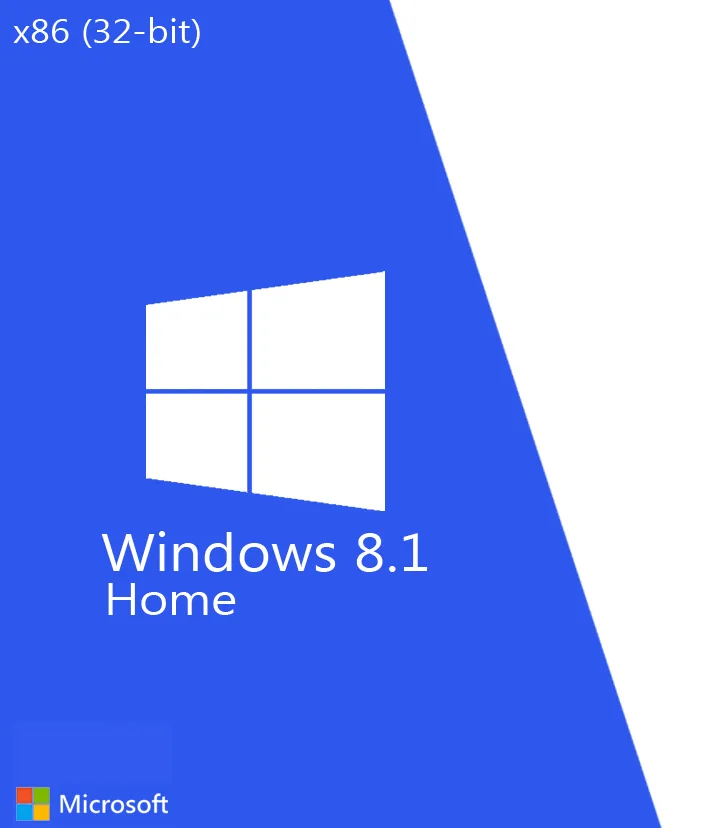
About Windows 8.1 Mini x86 Beta 5.1.1
The supplied ISO is approximately 963.9 MB, making it significantly smaller than standard Windows 8.1 installation media. Mini Windows builds typically achieve their reduced size by removing or modifying selected Windows components, applications, services, or drivers.
This build may be useful for older computers, low-resource virtual machines, software testing, and legacy environments. Because this is a Beta and third-party modified build, some Windows features, hardware drivers, updates, applications, or Microsoft services may be unavailable or behave differently from a standard Windows 8.1 installation.
This should not be presented as an official Microsoft Windows ISO unless its origin and authenticity have been independently verified.
Available through PixelRack Studio:
https://pixelrackstudio.shop/
Features
Lightweight Windows 8.1 environment
32-bit x86 architecture
Compact ISO image
Designed for lower-resource systems
Suitable for legacy PCs
Virtual machine support
Useful for testing environments
Reduced installation footprint
Beta 5.1.1 release
Bootable installation media
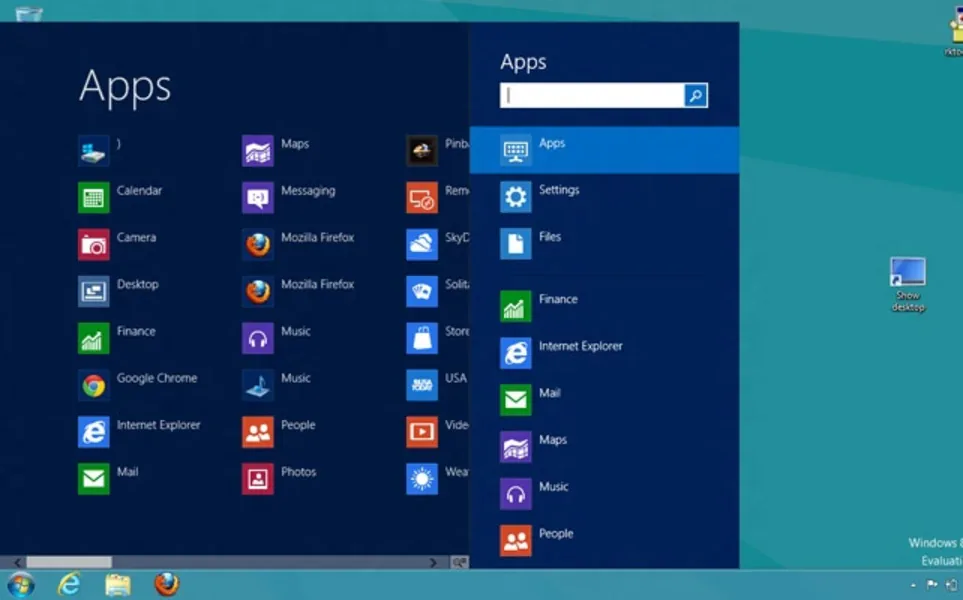
Screenshots
Technical Details
Version: Beta 5.1.1
Architecture: x86 / 32-bit
File Name: Mini8.1 x86 Beta 5.1.1.iso
File Type: ISO Disk Image (.iso)
File Size: 963.9 MB
Base Operating System: Windows 8.1
Release Channel: Beta
Language: Not confirmed from supplied information
Distribution: Third-party/customized Windows build
Official Microsoft ISO: Not verified
Screenshot Date Added: March 27, 2023
System Requirements
Processor: 1 GHz or faster compatible processor with required Windows 8.1 instruction support
RAM: 1 GB minimum; additional memory recommended
Storage: At least 16 GB recommended, although this customized build may use less space
Graphics: DirectX 9 compatible graphics device with suitable WDDM driver
Display: 1024 × 768 or higher recommended
Installation: Bootable USB/DVD or compatible virtual machine
License: Valid Windows licensing is required where applicable
Exact requirements and hardware compatibility may differ because this is a modified Beta build.
Related Software
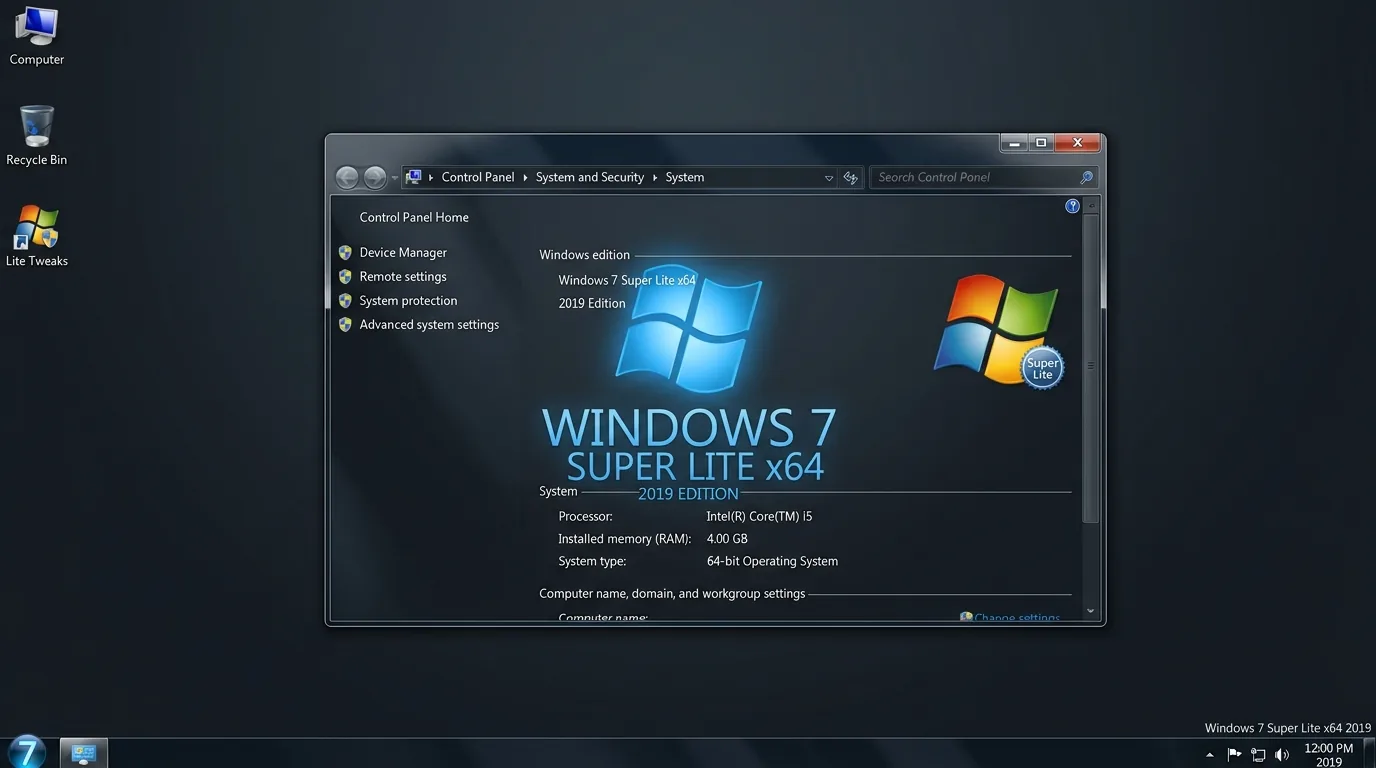
Windows 7 Super Lite x64 2019
Windows 7 Super Lite x64 2019 is a compact third-party Windows 7-based ISO intended for lightweight, legacy, virtual-machine, and testing environments on 64-bit compatible PCs.
Windows 8.1 Mini 2-in-1 ISO
Windows 8.1 Mini 2-in-1 is a compact Windows installation image intended for lightweight, legacy, testing, and virtual-machine environments. The ISO package size is approximately 2.25 GB.
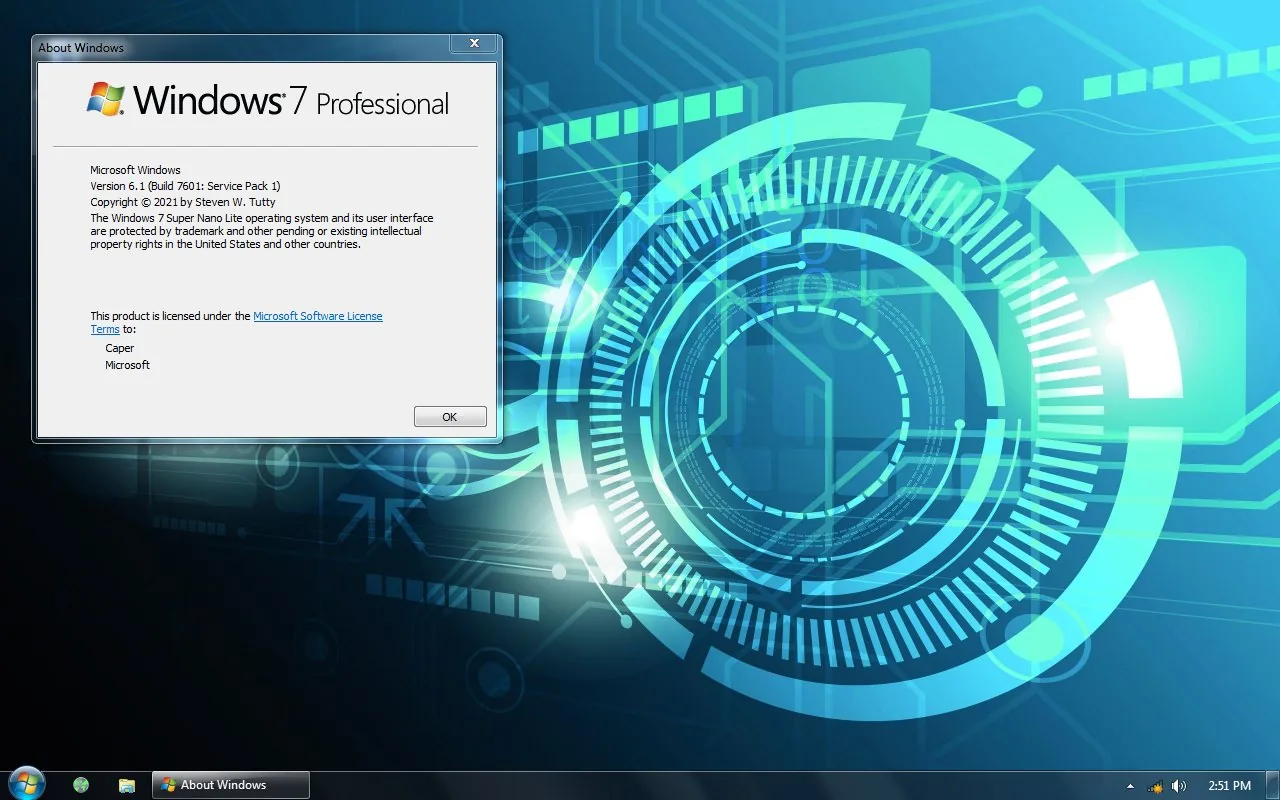
Windows 7 Super Nano Lite x86
Windows 7 Super Nano Lite x86 is a heavily modified, lightweight 32-bit Windows 7 build designed for older and very low-spec PCs with limited RAM and storage.
Discussion
Share your experience, tips or questions about this software.
Be the first to share something useful about this software.