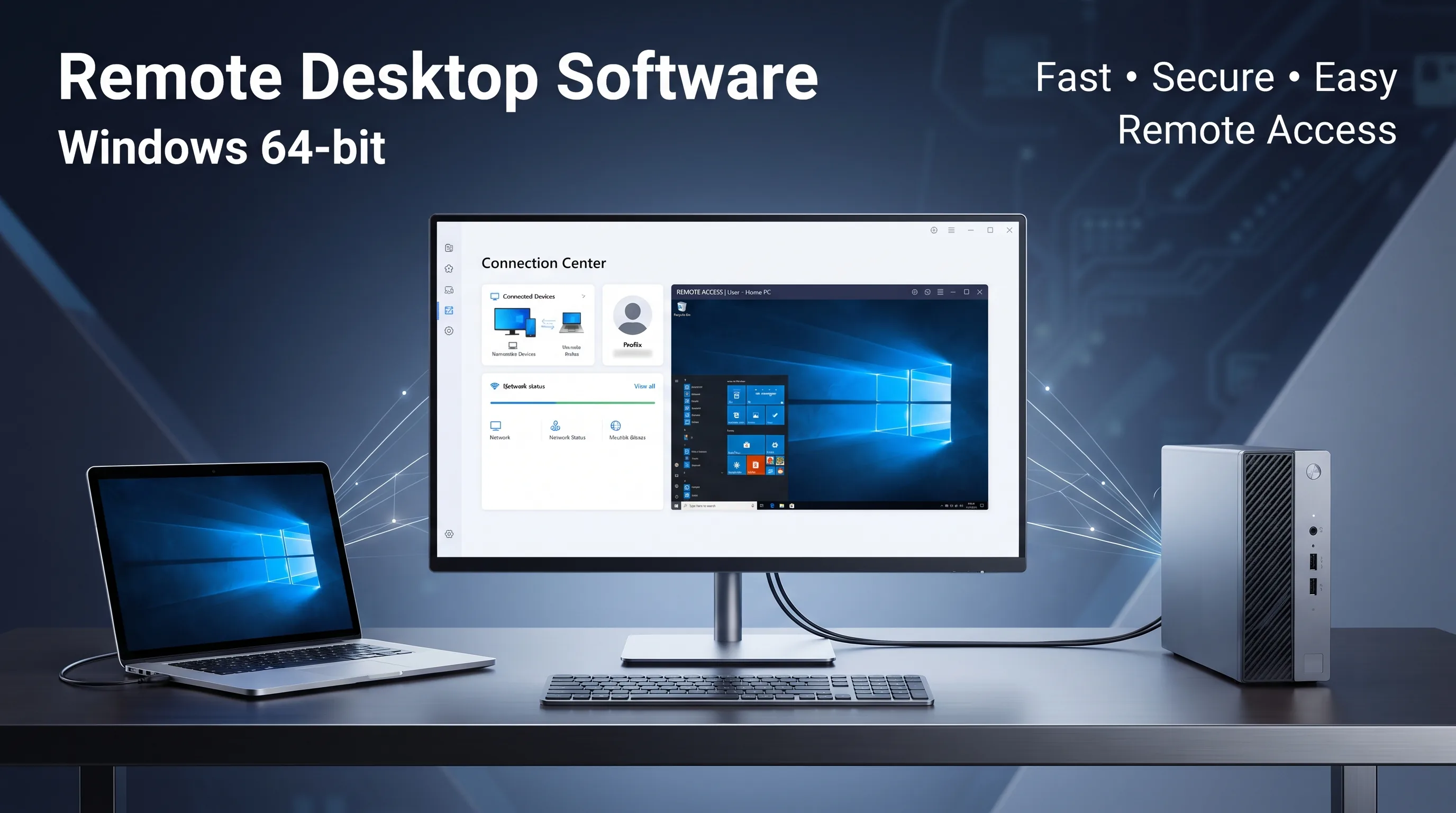
About AnyDesk
AnyDesk is remote desktop software that enables users to connect to compatible computers and devices over a network or the internet. It can be used for remote support, system administration, file transfer, and remote working.
This listing is intended to provide product information and/or legitimately obtained licensing or access, as applicable. AnyDesk is a trademark of its respective owner. This listing does not imply affiliation with, endorsement by, or authorization from AnyDesk unless explicitly stated and documented.
Please review the applicable license terms, supported platforms, system requirements, and permitted commercial use before purchasing or installing the software.
This listing is intended to provide product information and/or legitimately obtained licensing or access, as applicable. AnyDesk is a trademark of its respective owner. This listing does not imply affiliation with, endorsement by, or authorization from AnyDesk unless explicitly stated and documented.
Please review the applicable license terms, supported platforms, system requirements, and permitted commercial use before purchasing or installing the software.
Features
✓
Remote desktop access
✓
Remote device control
✓
File transfer support
✓
Remote support capabilities
✓
Cross-platform availability
✓
Secure remote connections
✓
Session management
✓
Suitable for remote work and IT administration
Technical Details
Product type: Remote desktop software
Category: Utilities
License: Subject to the applicable AnyDesk license plan and terms
Supported platforms: Depends on the current AnyDesk release and license
Internet connection: Required for most remote connections
Installation/permissions: May require installation and appropriate system privileges
Trademark notice: AnyDesk is a trademark of its respective owner
Category: Utilities
License: Subject to the applicable AnyDesk license plan and terms
Supported platforms: Depends on the current AnyDesk release and license
Internet connection: Required for most remote connections
Installation/permissions: May require installation and appropriate system privileges
Trademark notice: AnyDesk is a trademark of its respective owner
System Requirements
Operating System: Windows 10 or Windows 11 (64-bit)
Architecture: x64 / 64-bit only
Processor: 64-bit compatible processor
Memory: 2 GB RAM minimum
Internet: Stable internet connection required for remote connections
Permissions: Administrator privileges may be required for installation and some features
Display: Standard Windows-compatible display
Architecture: x64 / 64-bit only
Processor: 64-bit compatible processor
Memory: 2 GB RAM minimum
Internet: Stable internet connection required for remote connections
Permissions: Administrator privileges may be required for installation and some features
Display: Standard Windows-compatible display
Related Software
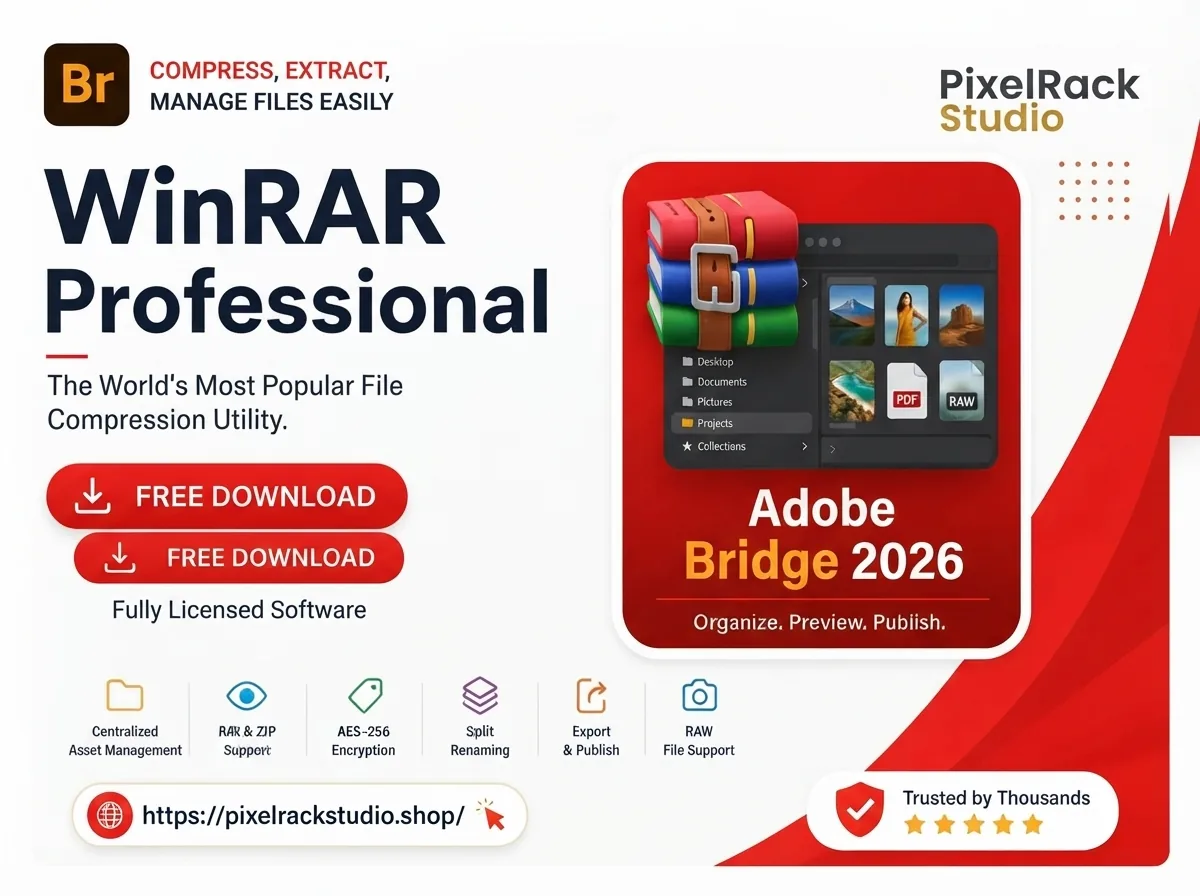
7.30 Beta 1
WinRAR 7.30 Beta 1
WinRAR 7.30 Beta 1 is a Windows file compression and archive management utility for creating, opening, extracting, encrypting, and managing RAR, ZIP, and other supported archive formats.
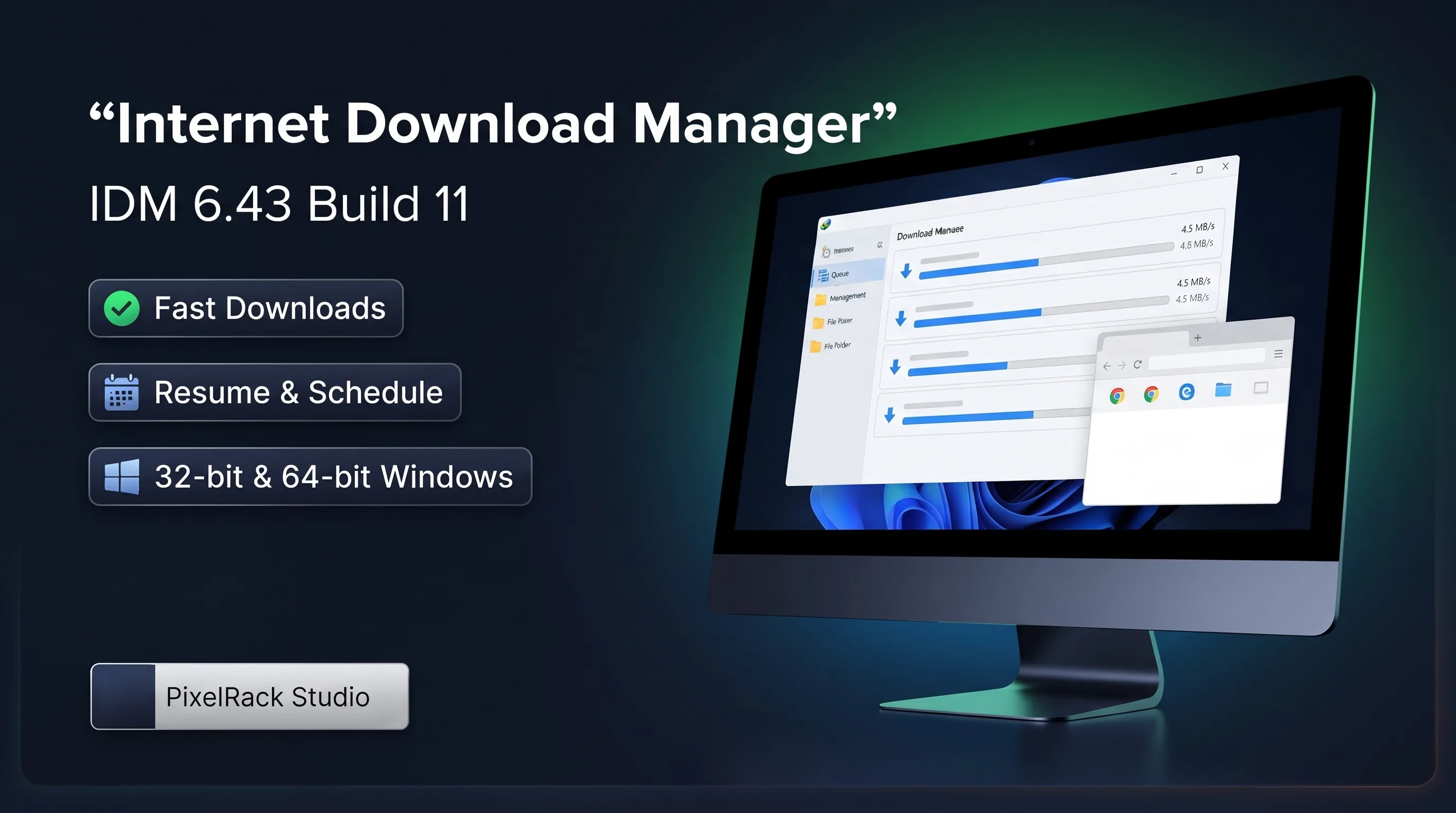
6.43 Build 11
Internet Download Manager (IDM)
Internet Download Manager (IDM) 6.43 Build 11 is a Windows download management utility offering download acceleration, resume support, scheduling, browser integration, queues, and organized file management.
COMMUNITY
0comments
Discussion
Share your experience, tips or questions about this software.
Be the first to share something useful about this software.