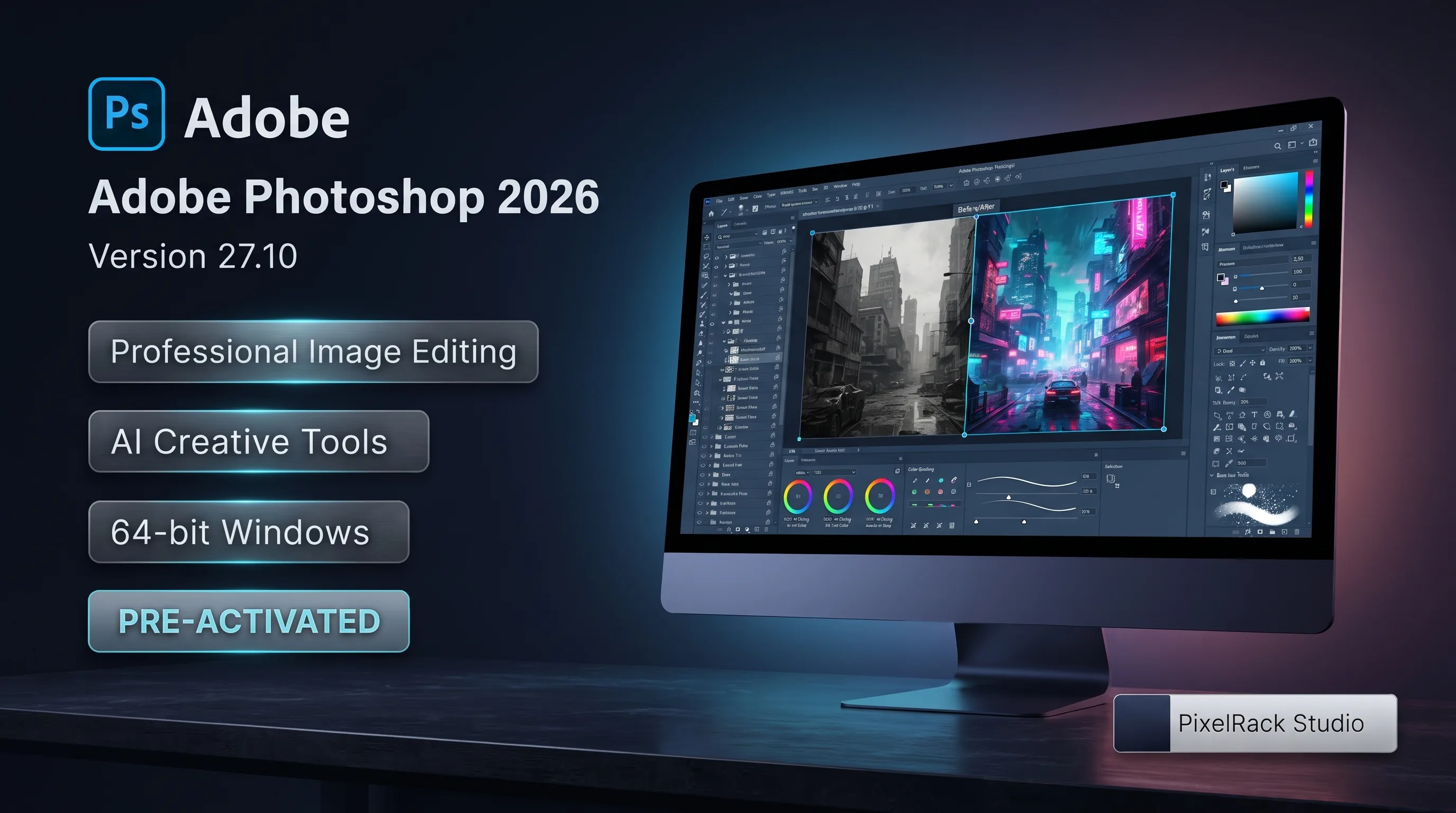
About Adobe Photoshop 2026
Photoshop supports layer-based editing, selections and masks, image retouching, color adjustment, typography, compositing, filters, and advanced design workflows. Compatible graphics hardware can improve performance when working with complex documents, effects, and high-resolution images.
Modern Photoshop releases also include AI-assisted and generative functionality. Availability of individual AI and cloud features can depend on the Adobe account, subscription plan, internet connectivity, region, application version, and applicable usage or generative-credit limits.
Adobe Photoshop is commercial software. A valid Adobe license/subscription and Adobe account may be required for activation and continued use.
Features
Professional photo editing
Layer-based image editing
Advanced selections and masking
Photo retouching and restoration tools
Color correction and adjustments
RAW image workflow
Object selection tools
Content-aware editing
AI-assisted editing tools
Generative editing features where available
Text and typography tools
Filters and visual effects
Smart Objects
Digital painting and brushes
Image compositing
High-resolution document support
GPU-accelerated features
Multiple professional export formats
Technical Details
Developer: Adobe Inc.
Product generation: Photoshop 2026
Version: 27.10
Category: Multimedia
Platform: Microsoft Windows
Architecture: 64-bit (x64)
License: Commercial / subscription-based, subject to Adobe licensing terms
Adobe account: May be required
Internet: Required for activation, updates, cloud services, and applicable AI features
GPU acceleration: Available with compatible graphics hardware
Language availability: Depends on the Adobe distribution/package
System Requirements
Architecture: 64-bit only
Processor: Modern 64-bit Intel or AMD multi-core processor with supported instruction set
RAM: 8 GB minimum; 16 GB or more recommended for demanding workflows
GPU: DirectX-compatible GPU with supported drivers and sufficient graphics memory
Display: 1920 × 1080 or higher recommended
Storage: SSD recommended, with additional free space for installation, cache, scratch disks, and project files
Internet: Required for applicable activation, account verification, updates, cloud services, and online/AI functionality
PixelRack Notice:
PixelRack Studio is an independent software marketplace/listing provider and is not Adobe Inc. or the developer/publisher of Adobe Photoshop. Adobe and Photoshop are trademarks of Adobe Inc. Product names are used for identification and informational purposes.
Official Product / Introduction URL:
https://www.adobe.com/products/photoshop.html
Official Photoshop Requirements:
https://helpx.adobe.com/photoshop/system-requirements.html
Related Software
Any Video Converter Ultimate
Any Video Converter Ultimate 7.1.4 is a multimedia conversion application designed for converting video and audio files into a range of commonly used formats.
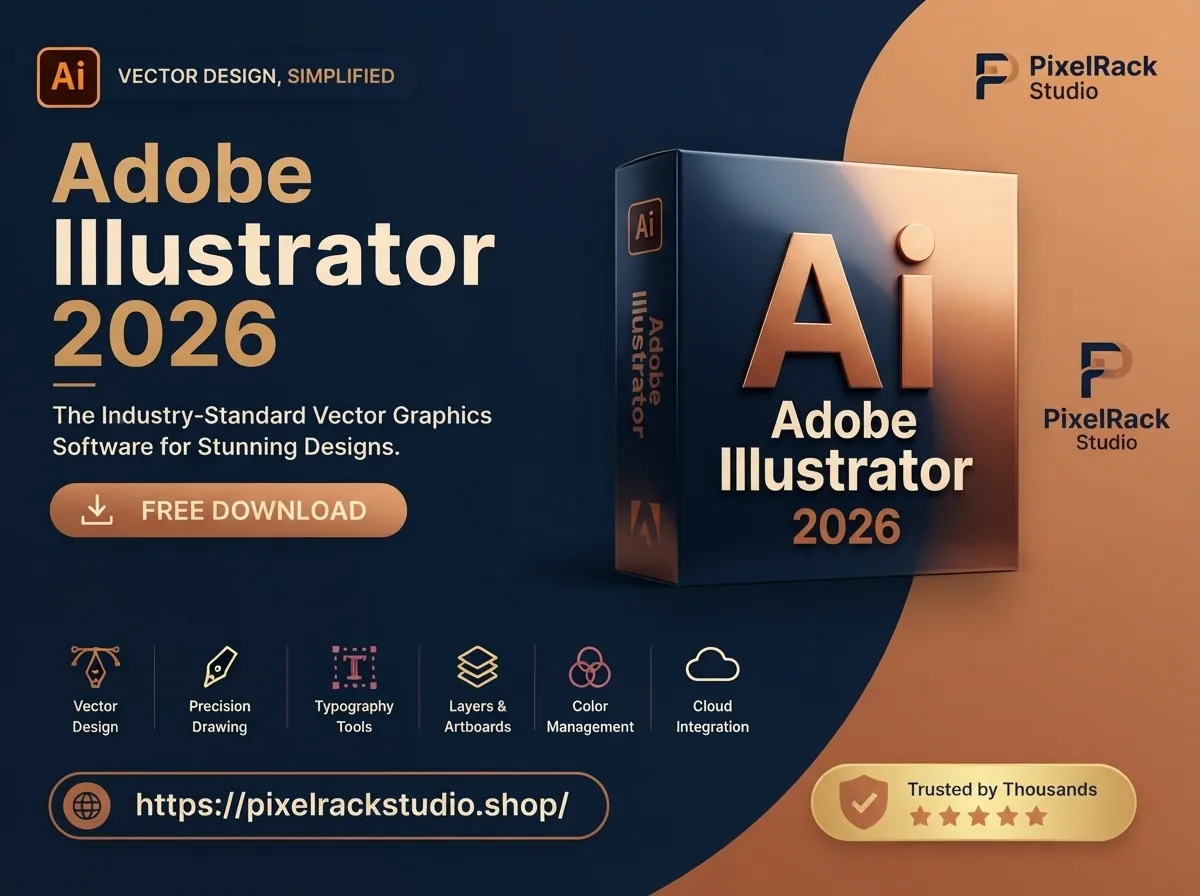
Adobe Illustrator 2026 30.8.2
Adobe Illustrator 2026 is a professional vector graphics and illustration application for creating logos, icons, drawings, typography, branding materials, digital artwork, and scalable graphics.
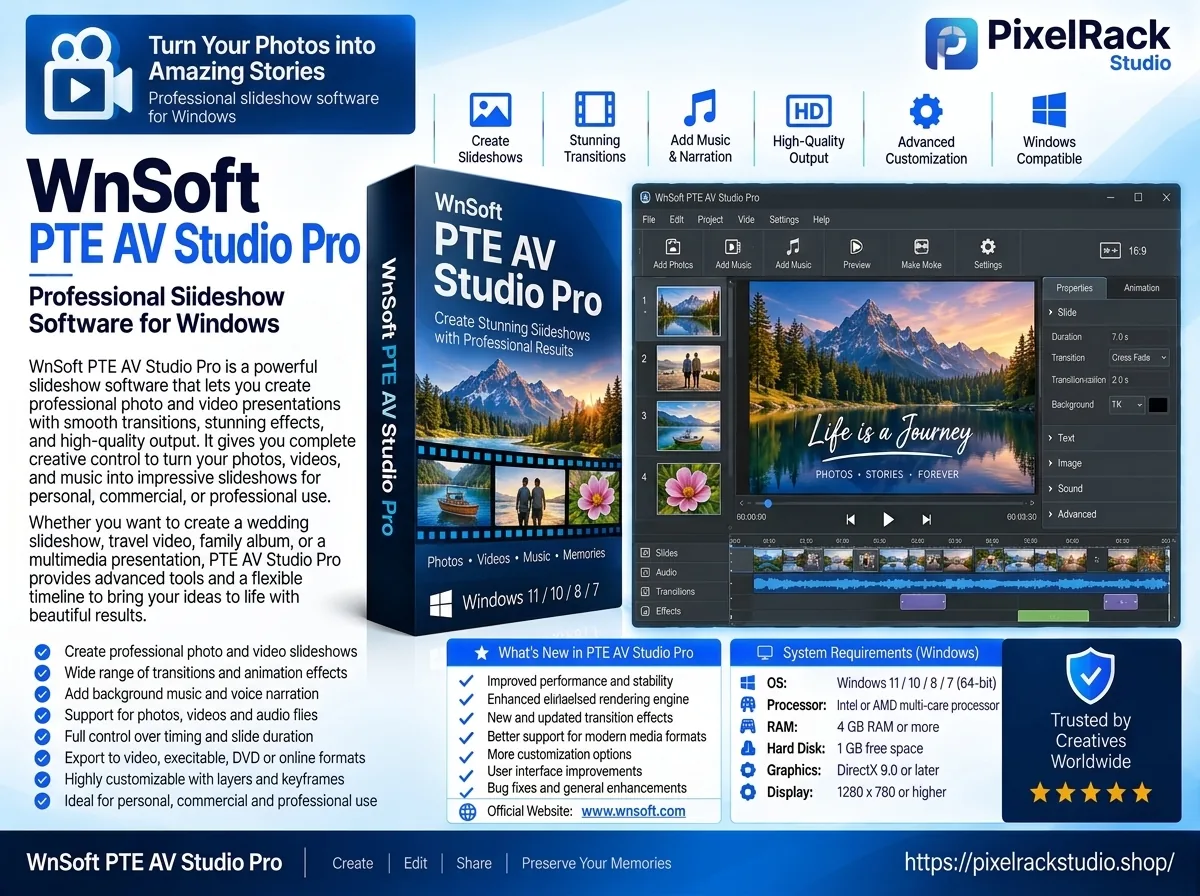
WnSoft PTE AV Studio Pro 12.0.4 Build 1
WnSoft PTE AV Studio Pro 12.0.4 is a multimedia creation application for producing professional photo and video slideshows with animations, transitions, audio, text, and customizable visual effects.
Discussion
Share your experience, tips or questions about this software.
Be the first to share something useful about this software.